How to set up the TEST@HOME room
Prepare the room at least 45 minutes before the scheduled start time of the test by following the instructions below:
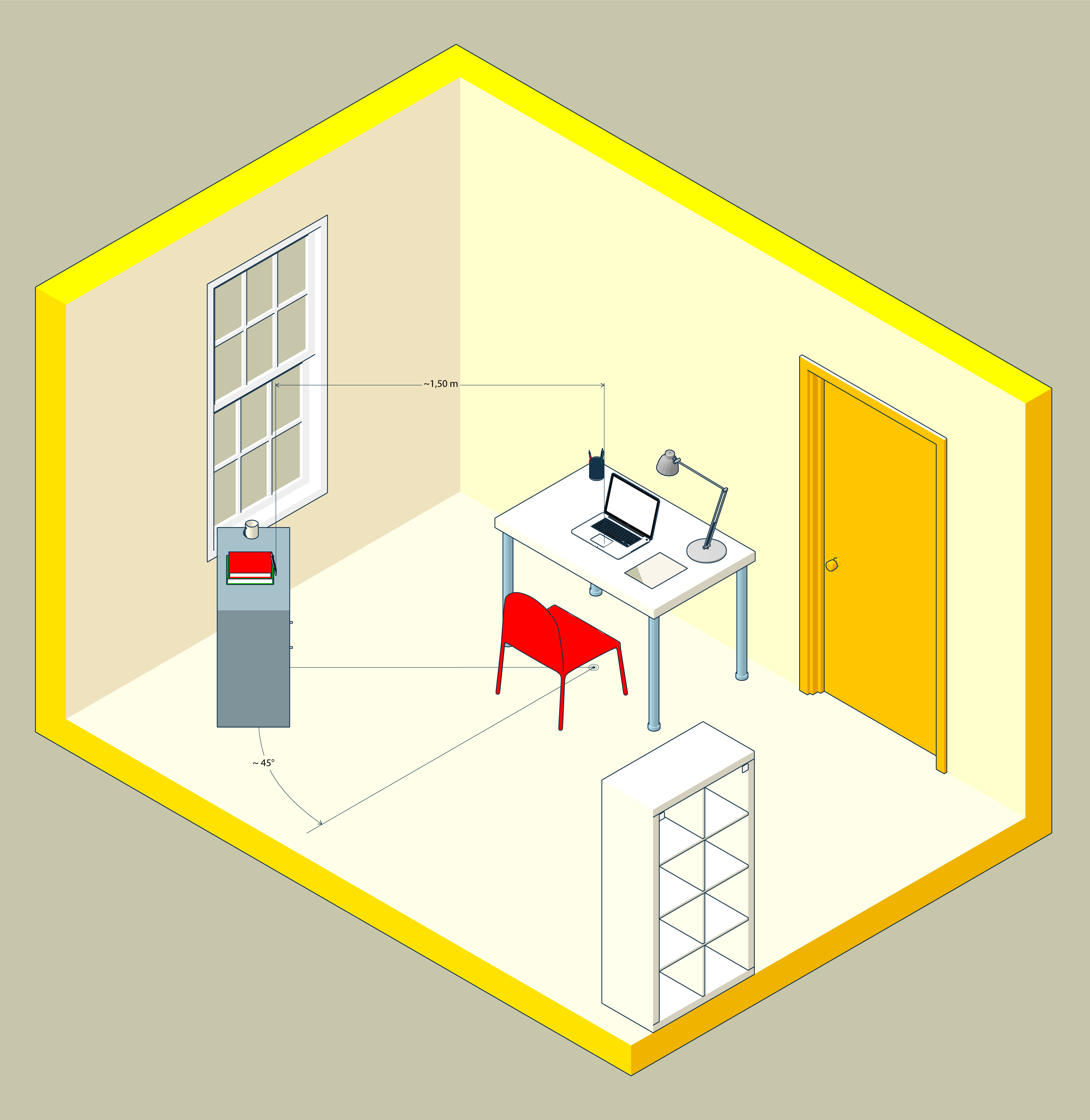
- Choose a quiet, properly lit room in the house with a door that closes off the space (study, kitchen, bedroom, etc.)
- Place your laptop and mobile device to avoid reflections and glare, i.e. with the light source (natural or artificial) preferably coming from your right or left
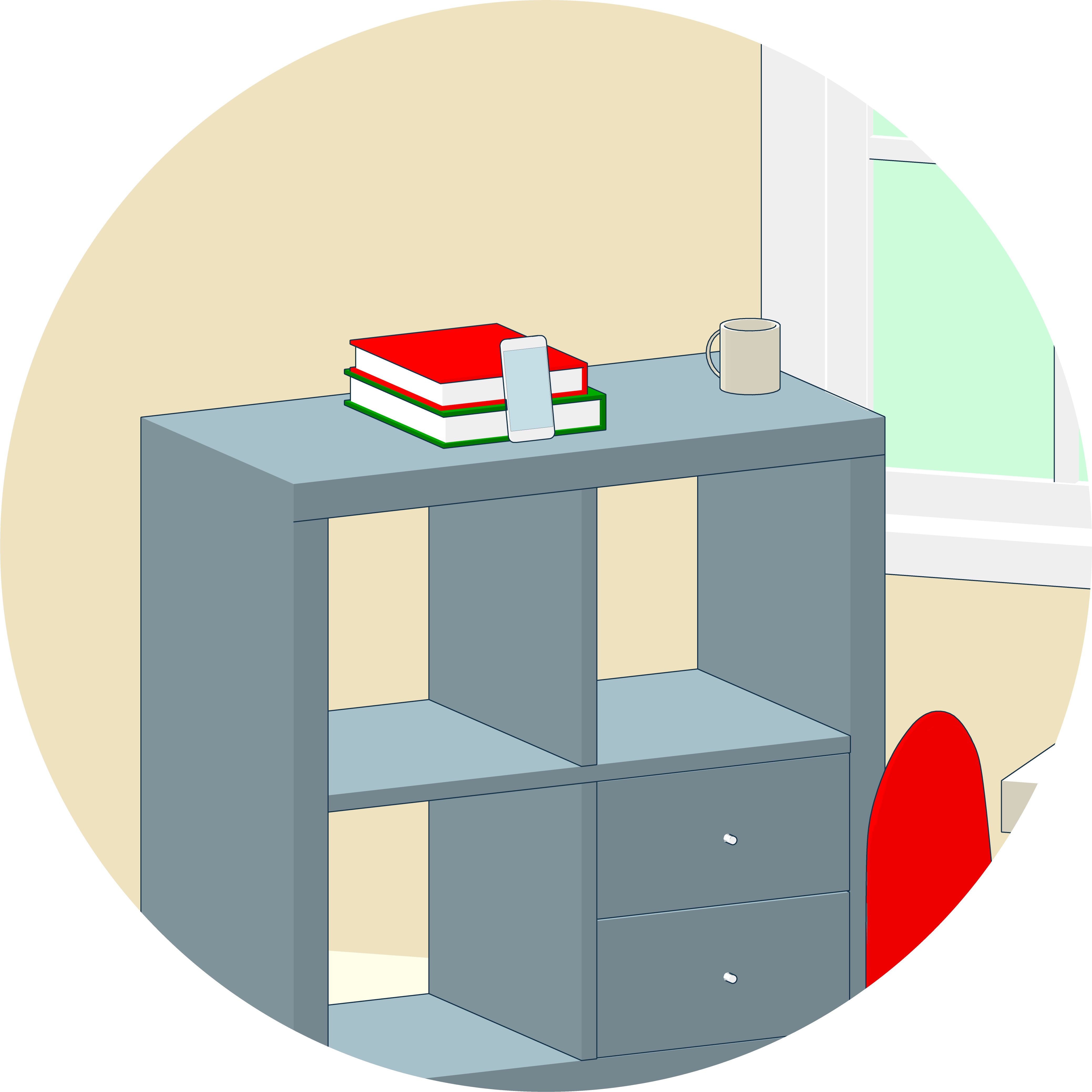
- Place a support behind you (bookcase, shelf, tripod, etc.) to hold the mobile device with the camera facing the desk. Set the mobile device on the support only when instructed by the classroom supervisor. The support must have:
- an angle of approximately 45° with respect to the desk
- a maximum floor height of 1.50 metres
- a distance of about 1.50 metres from the desk
During the test
- The mobile device and the laptop must be connected to a power outlet
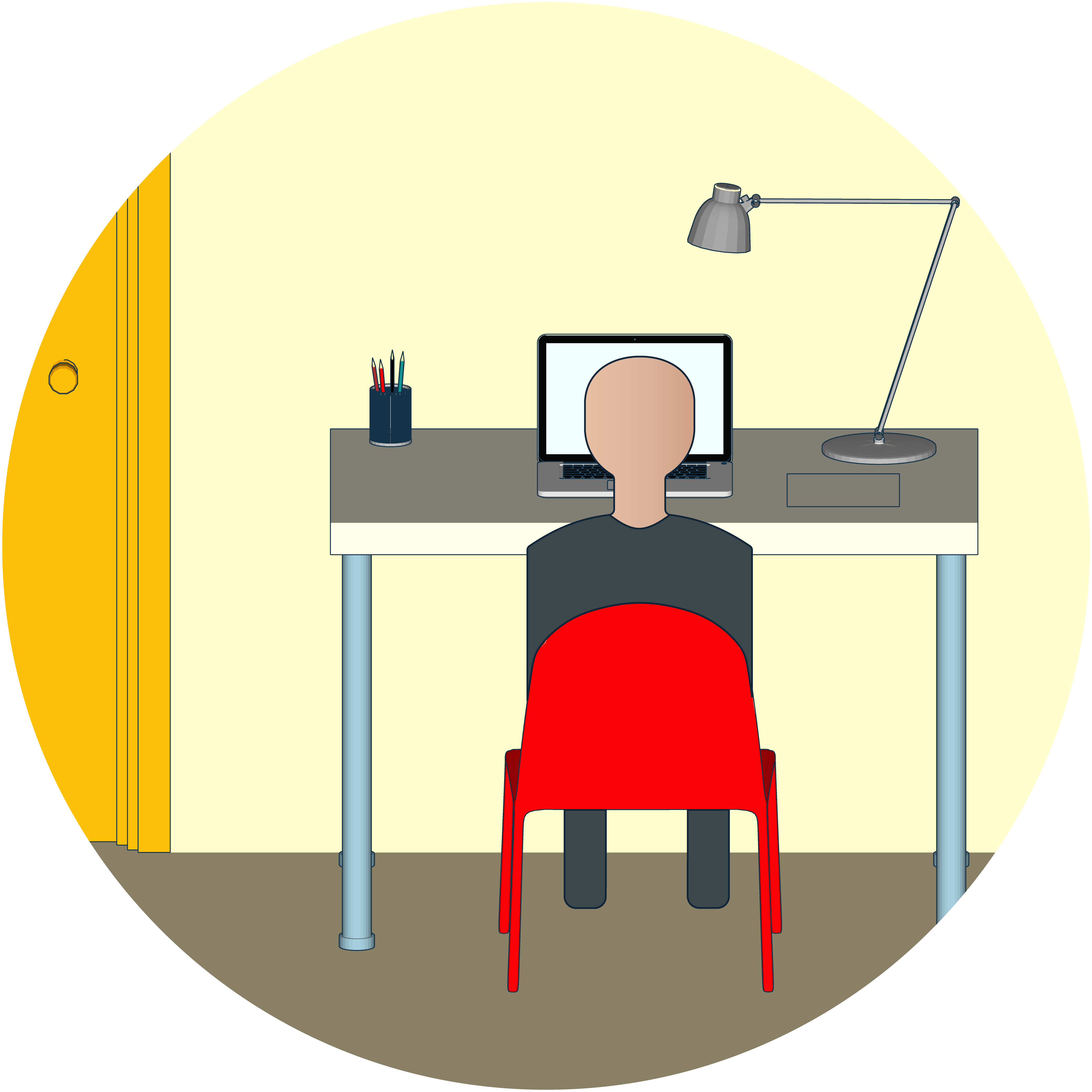
- The door to the room must be closed and within the mobile device's camera frame
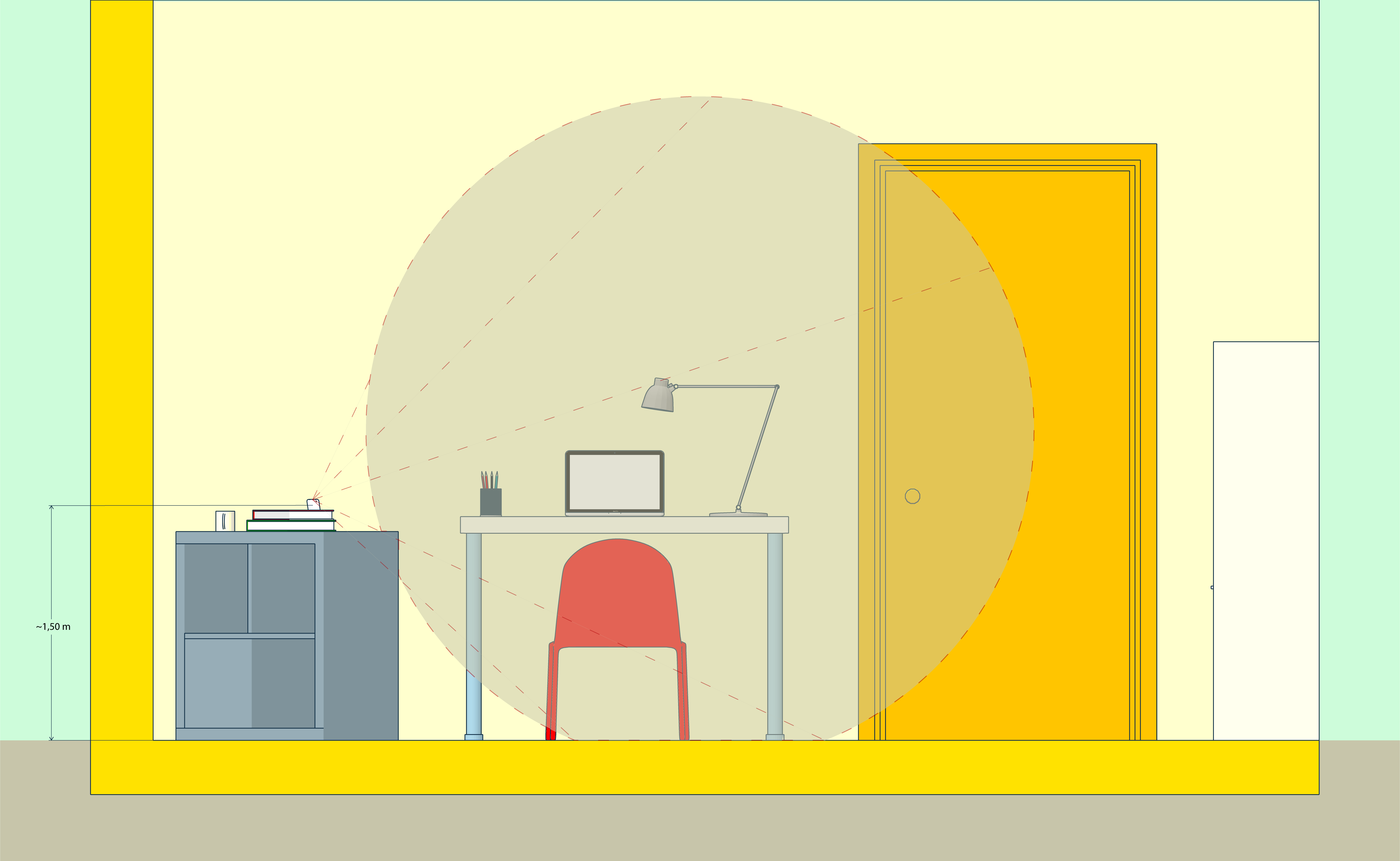
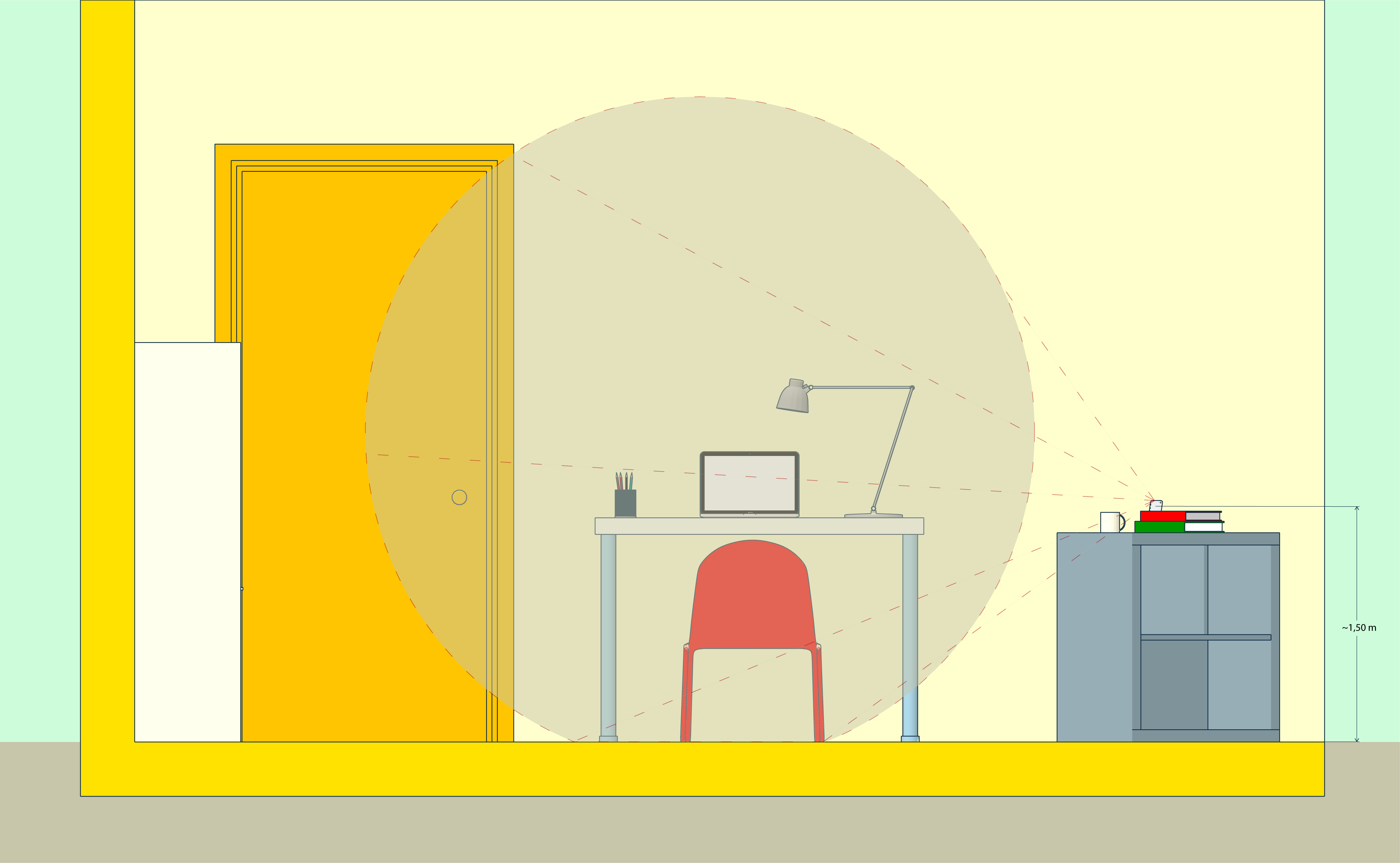
- No other devices or accessories such as headphones, earphones or external microphones must be used
Using a pair of wired headphones/earphones is allowed only and exclusively for taking the TEST ITA L2@HOME.
How to arrange yourself
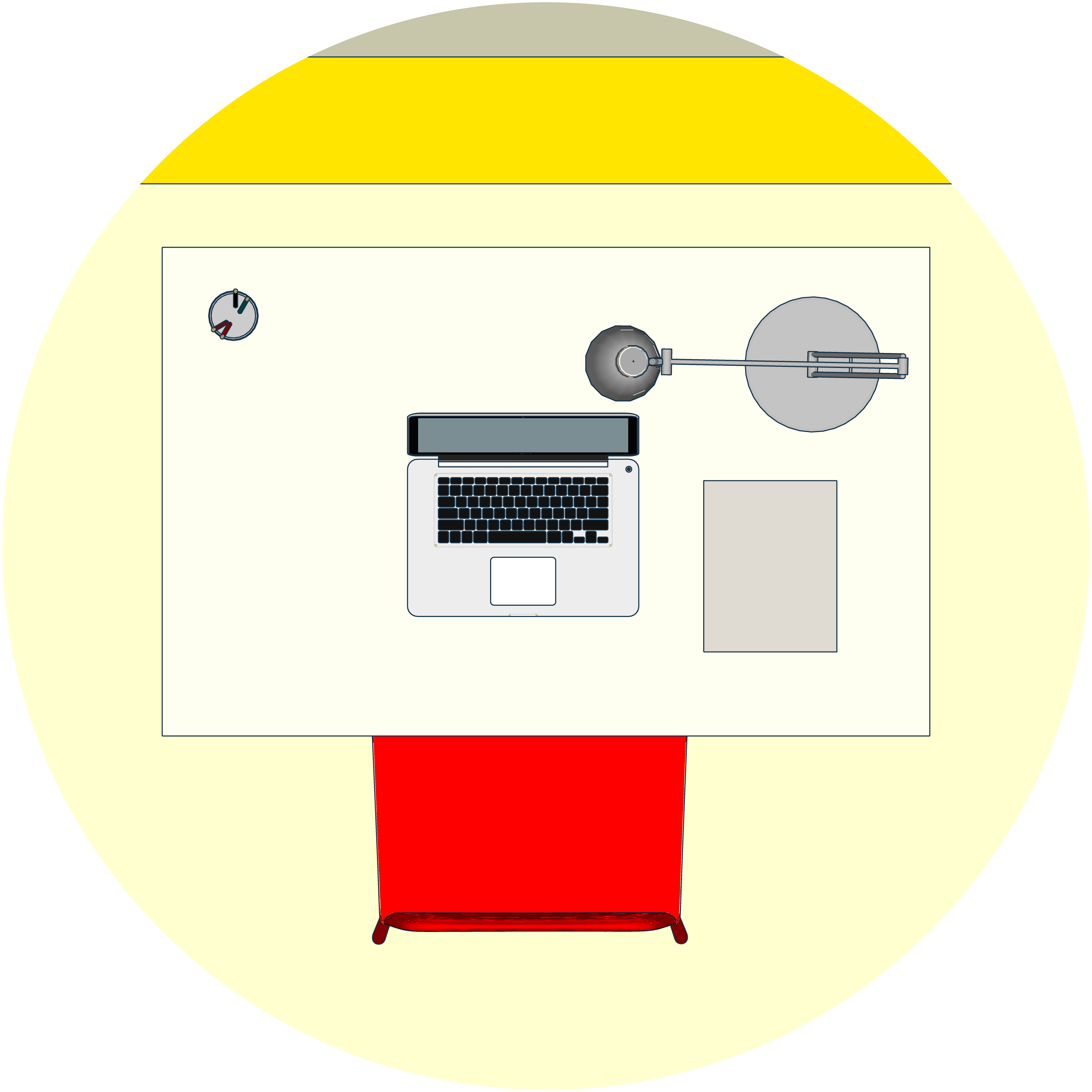
- You must sit in a central position in relation to the screen
- You must wear clothing that can’t conceal any objects (e.g. sweatshirts with pockets, jackets, coats)
- You are allowed to have only your laptop, blank sheets of paper and a pen on your desk. (with the exception of support tools assigned to people with LD and/or disabilities)
- You must use your mobile device to connect to WEBEX and to join the virtual classroom. The mobile device must be place on the support behind you only when instructed by the classroom supervisor